Skip to content

María Flowers · The video and the website · September 2026

One proposal: the video and the site.

After our call on September 8 we turned your “Video for Stores” brief into a visual direction for the “Flowers 101” video and a plan for the new floresmaria.com. This page has both, in order: first the video, then the website that speaks the same language, and at the end the investment for the two, on one page. Nothing here is final. We are sharing it so you can react before we write the script and design the site.

What this is

Two pieces that share one language: a four-minute “Flowers 101” video, reached from a QR on every box, and a new website for the buyers at the chains.

What it costs

USD 8,500: the video USD 4,500, the website USD 4,000. No monthly fees. Two optional add-ons, the CRM and the catalog panel, and what is billed at cost are in the investment.

Who

Prepared for Felipe Villamizar and Juan David, María Flowers. Prepared by CadenSpark. Comments are welcome after the test shots, the storyboard and the investment, and at the end for anything else.

Part one · The video · The idea

Real footage turns into a drawing when there is something to explain, and then turns real again.

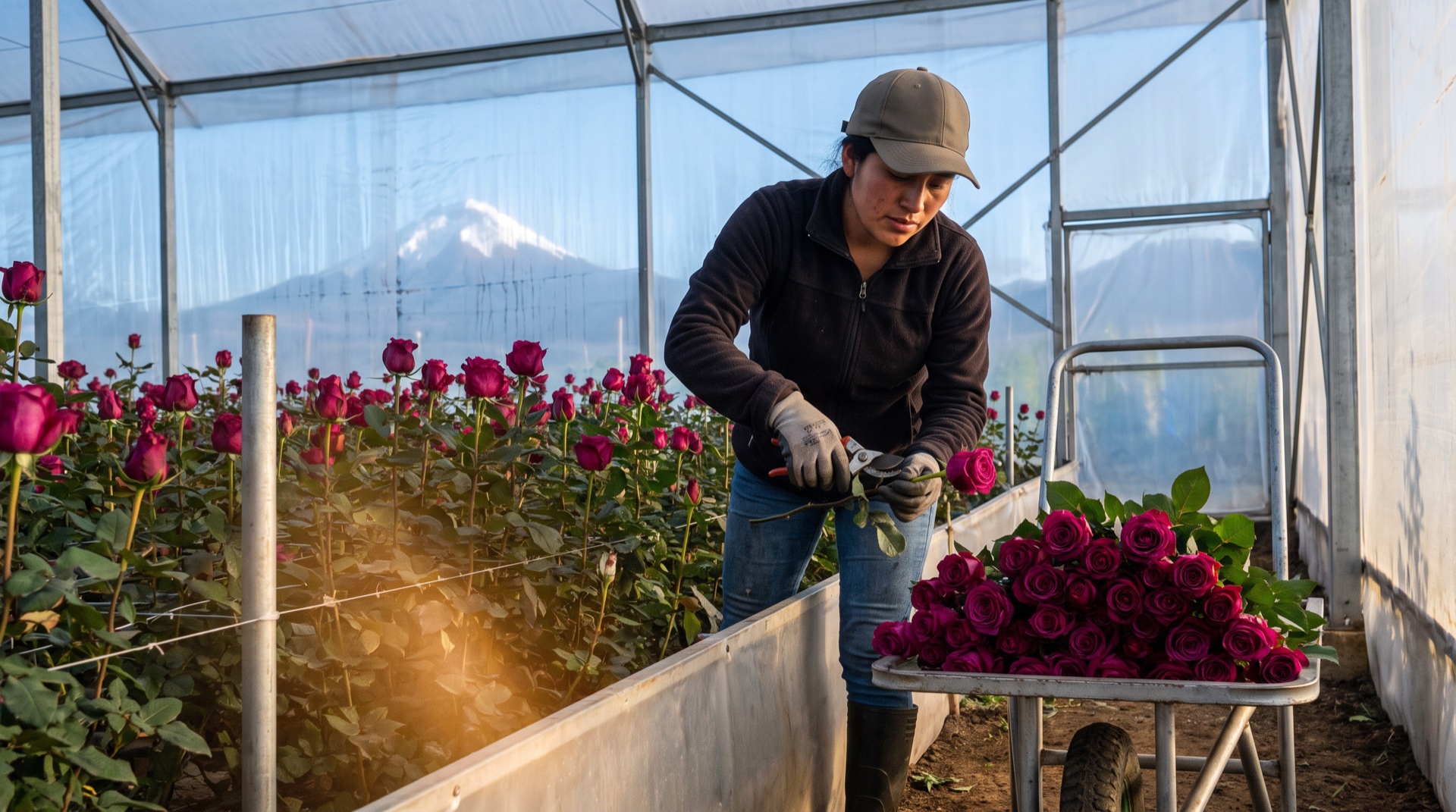
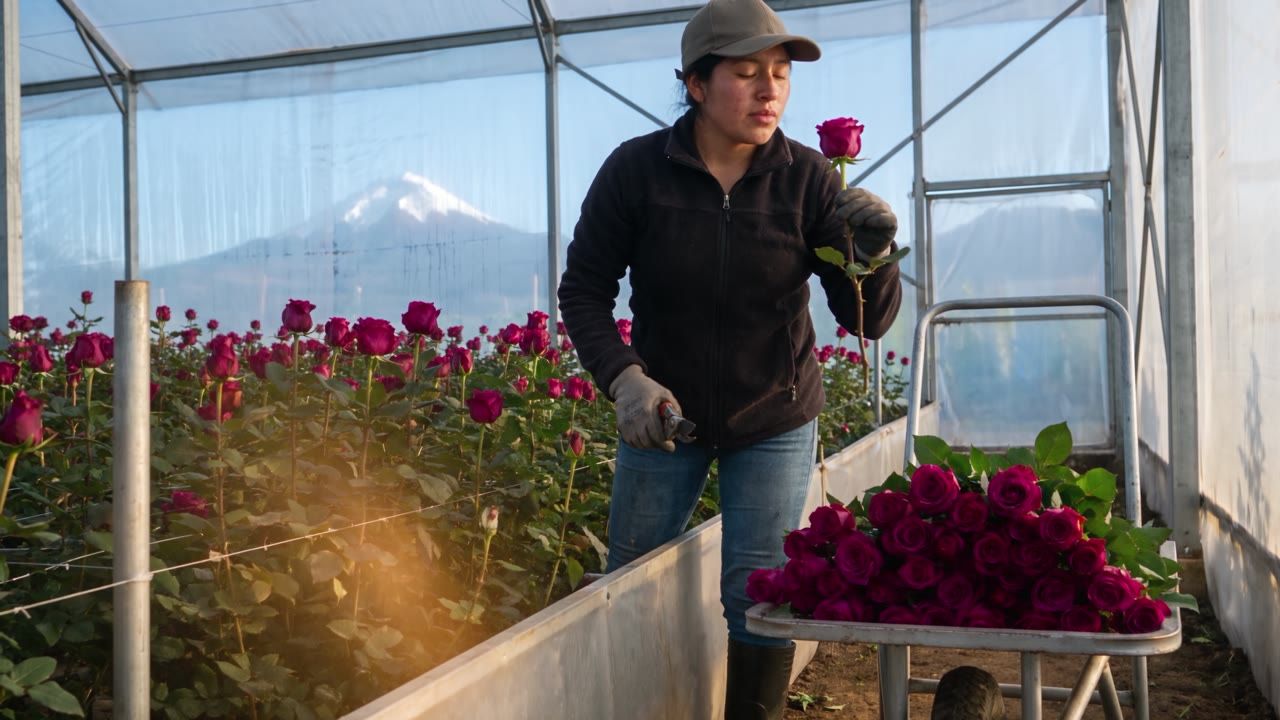
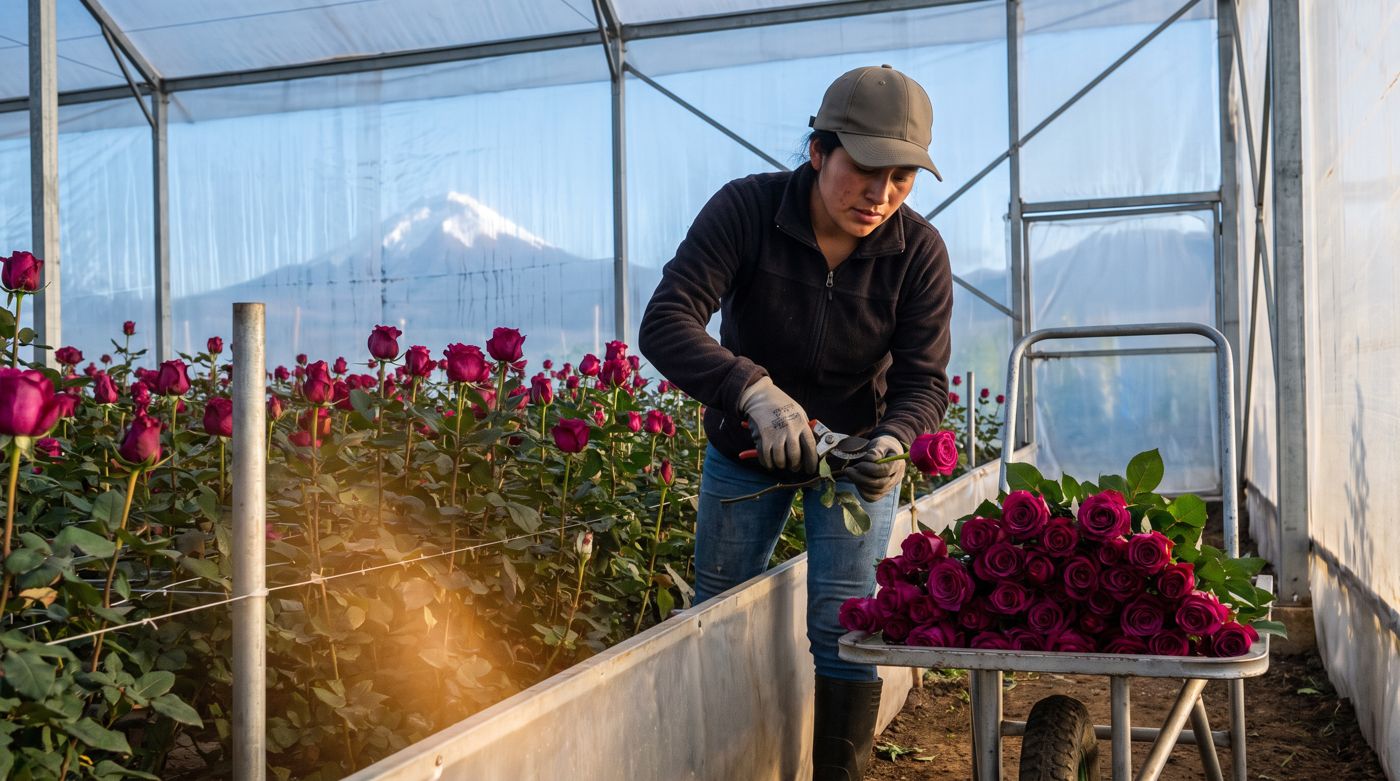
Photo: a worker harvests roses in a modern greenhouse at dawn

Photo · the world

The farm, the cold room, the plane, the box, the people. Shot like a documentary, natural light, no acting.

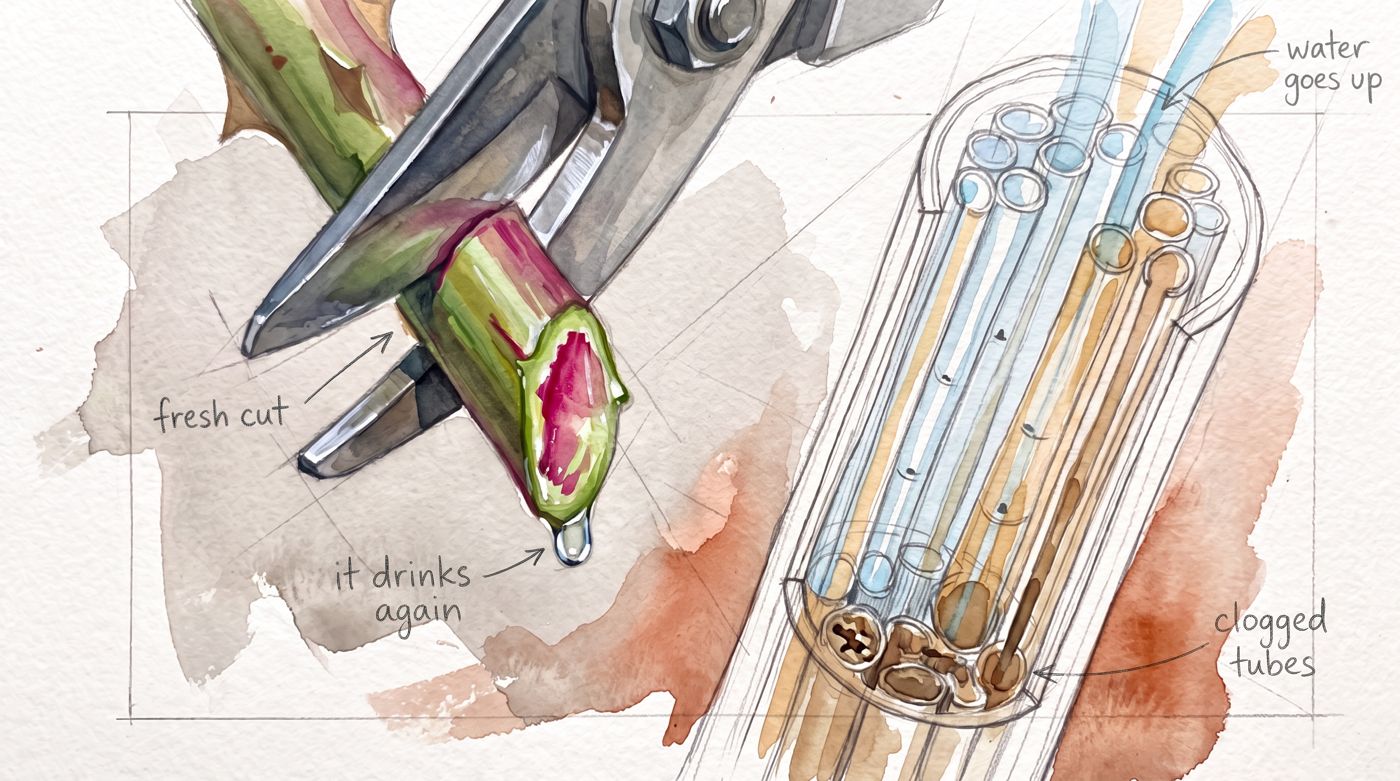
Watercolor: the stem cut with its cross-section and pencil labels

Watercolor · the explanation

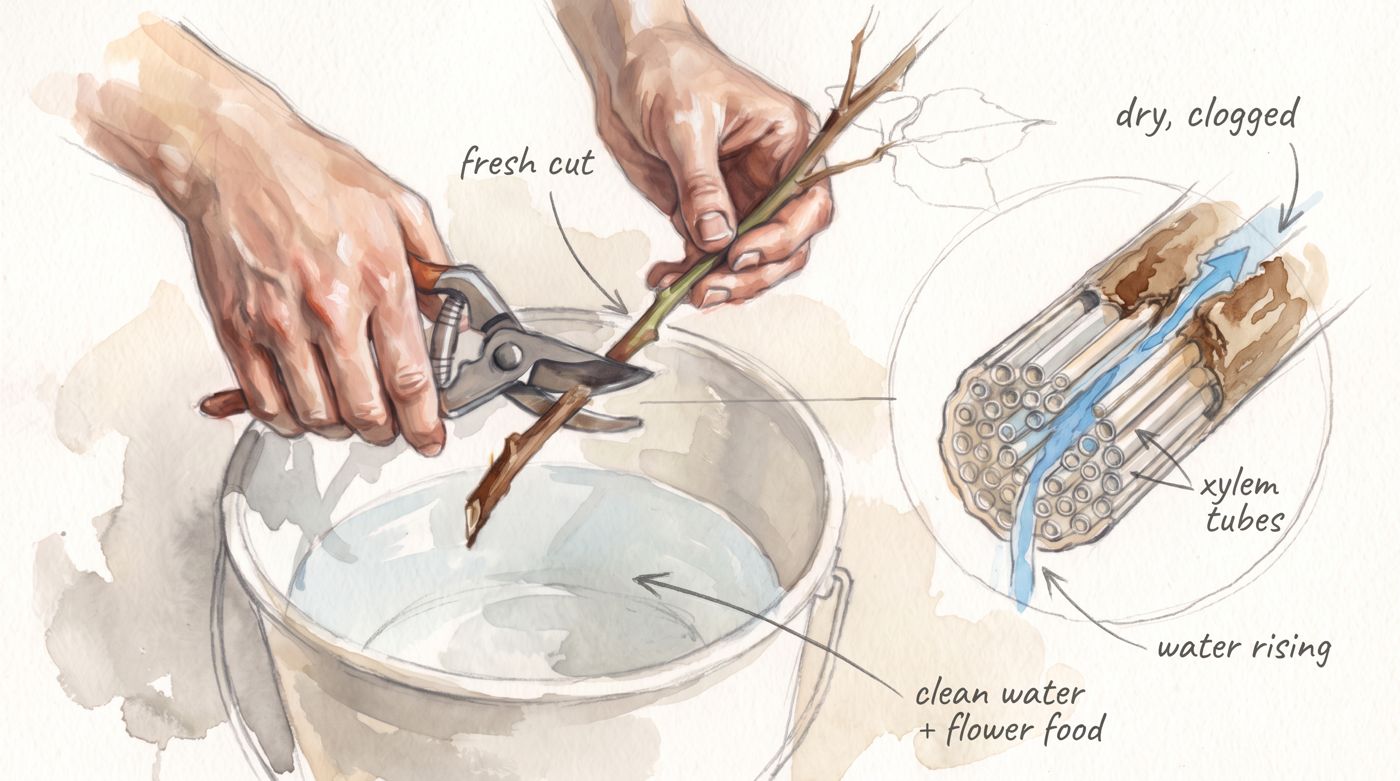
What a camera cannot film: the inside of the stem, the water going up, the cold that puts the flower to sleep. A sketchbook, with pencil labels.

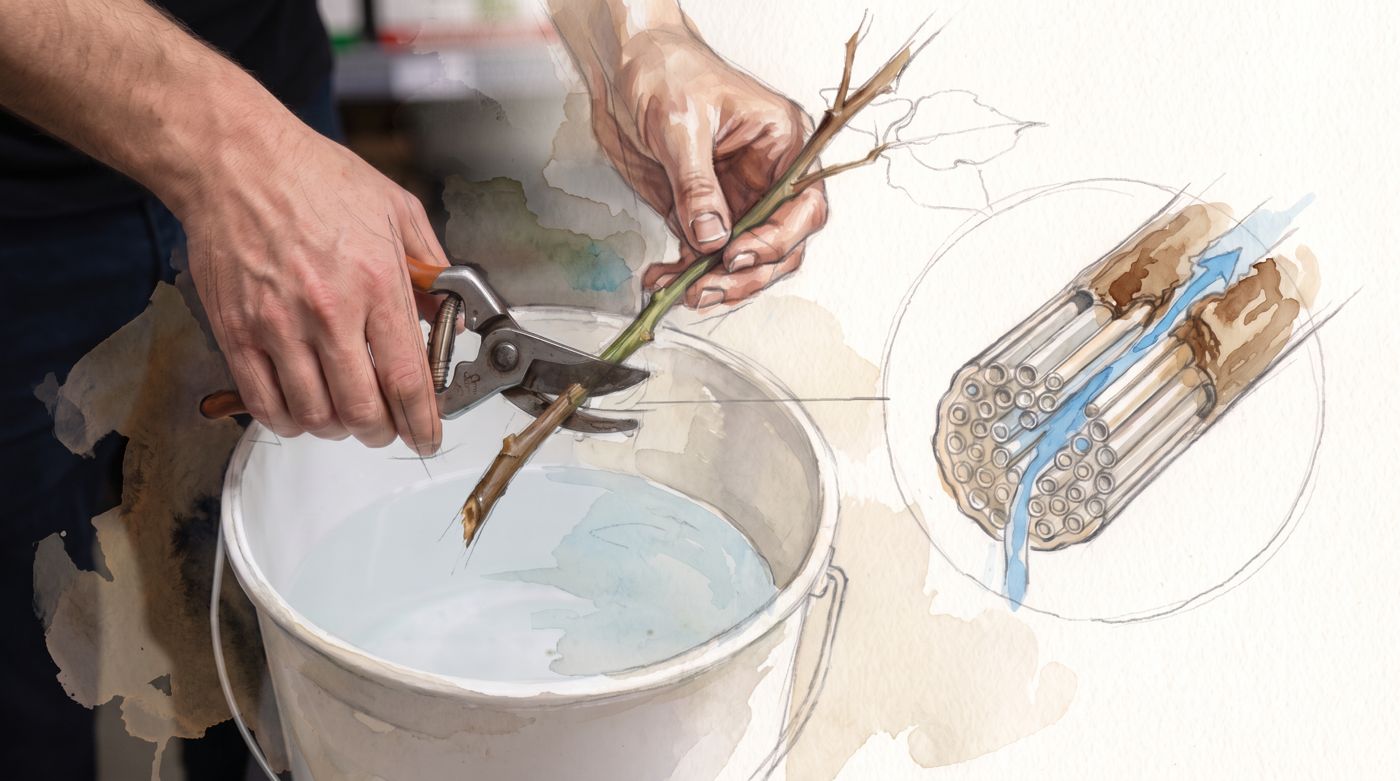
Transition: photographed hands dissolving into watercolor

Transition · the signature

The photo dissolves into watercolor, from the flowers outward. It happens twice in the whole video, not in every shot.

How a transition works, step by step

  1. 1The shot starts as real footage. The cold room, the hands, the cut: a documentary camera, natural light, no acting.
  2. 2When the story goes inside the flower, the watercolor spreads from the flowers outward. The washes wet the photo, pencil lines appear over the photographed shapes, the grain of the paper comes through. About three seconds inside an eight-second shot. Never a cut, never a straight edge.
  3. 3The sound follows. The real ambience drops to the whisper of paper and a pencil.
  4. 4The explanation happens in watercolor, with pencil labels: the vessels inside the stem, the water rising, the cold that puts the flower to sleep.
  5. 5Back to the world. When the story returns to the store, the ambience comes back, and so does the photograph.

Where it happens in the video

  • 1.4 · The cold room. Photo to watercolor, as the flower falls asleep. The only transition in the opening. Test shot 2, below.
  • 3.2 · The cut. Two seconds of a real cut, then the hands in watercolor and the vessels drawn beside them. Test shot 4, below.
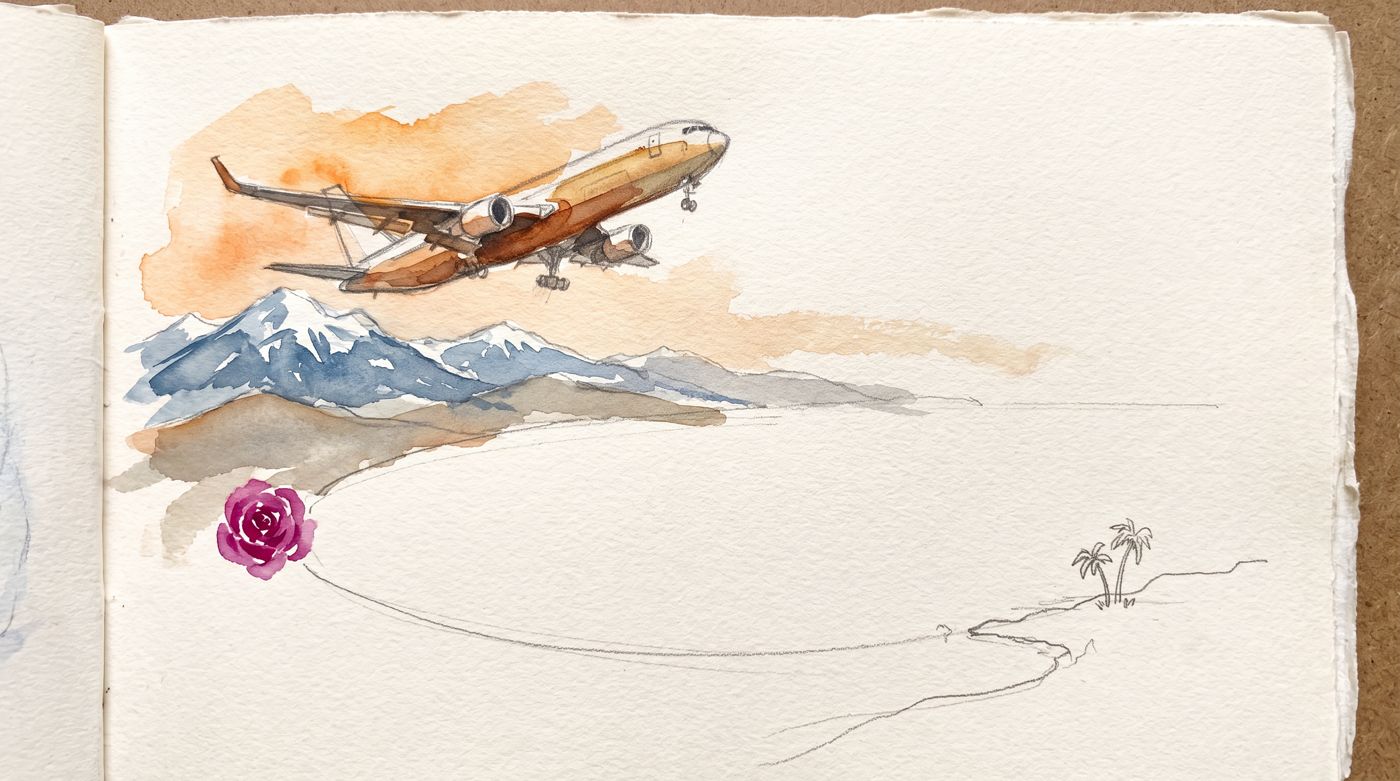
  • 1.5 · The trip is not a dissolve. The sketchbook page paints itself from the Andes to the coast, then a cut to the real cargo plane and Miami. Test shot 3.
  • Everywhere else, one register. Photo only, or watercolor only. The storyboard says which for each scene; the exact seconds get locked with the script.

On the website it happens three times more, once per page that needs it. Part two shows it.

The style

Sketchbook watercolor, unfinished on purpose.

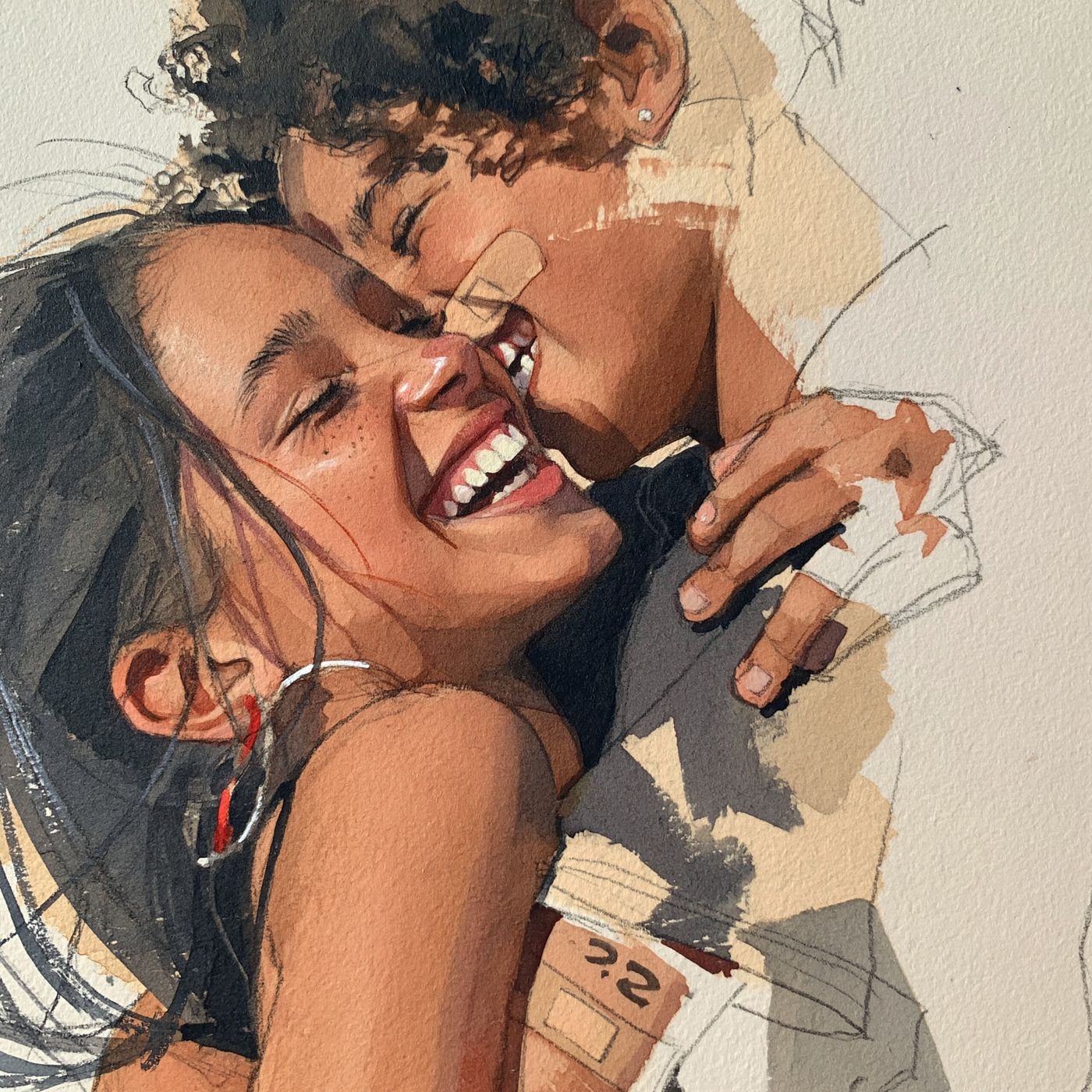
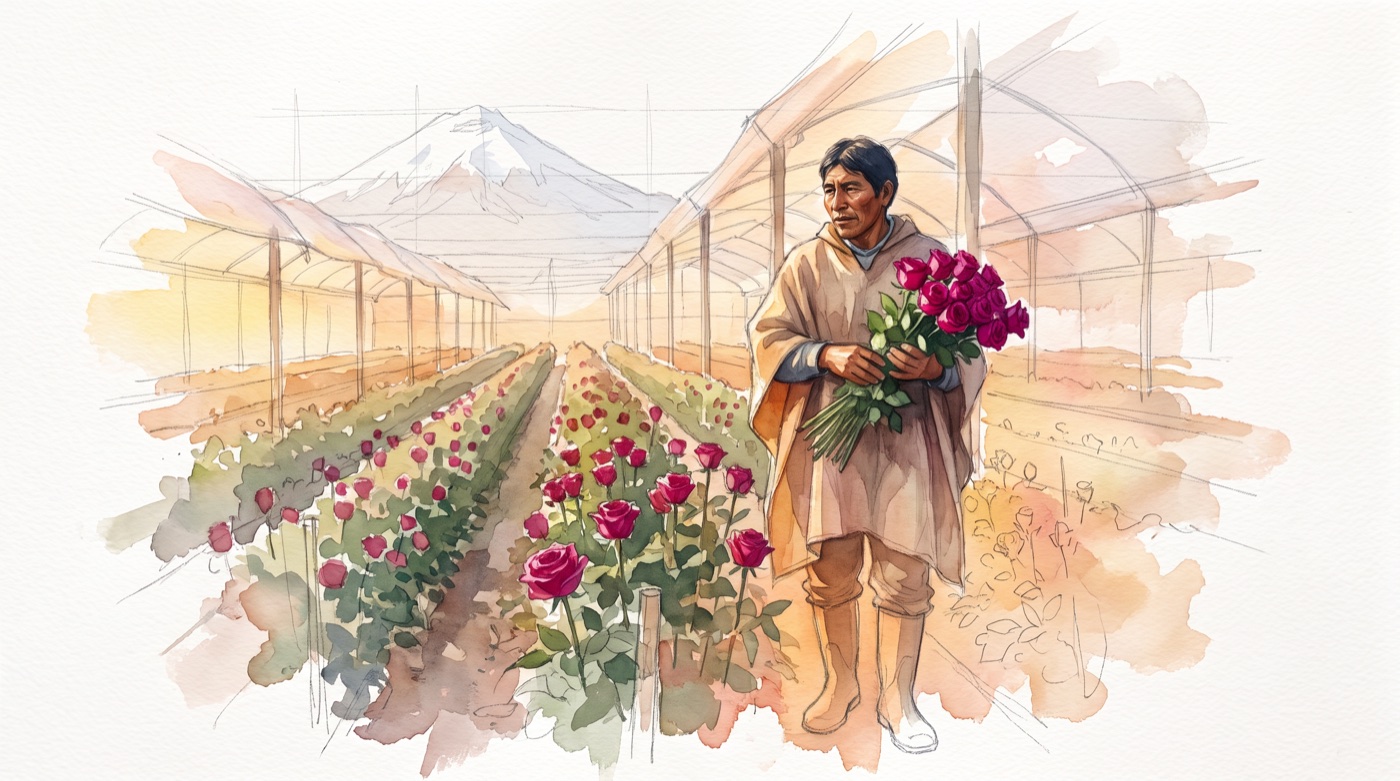
Style reference: an unfinished watercolor and pencil portrait

The style reference

The rules

  • The pencil stays visible. Construction lines, open edges.
  • Faces, hands and flowers finished. Everything else in loose washes on cream paper.
  • A short palette. Ochre, sienna, warm grey. The magenta of the roses is the only strong color.
  • Real proportions, real people. Modern workwear, modern greenhouses; the Andes only as backdrop. It prints as a newspaper and sits next to photos of your team.
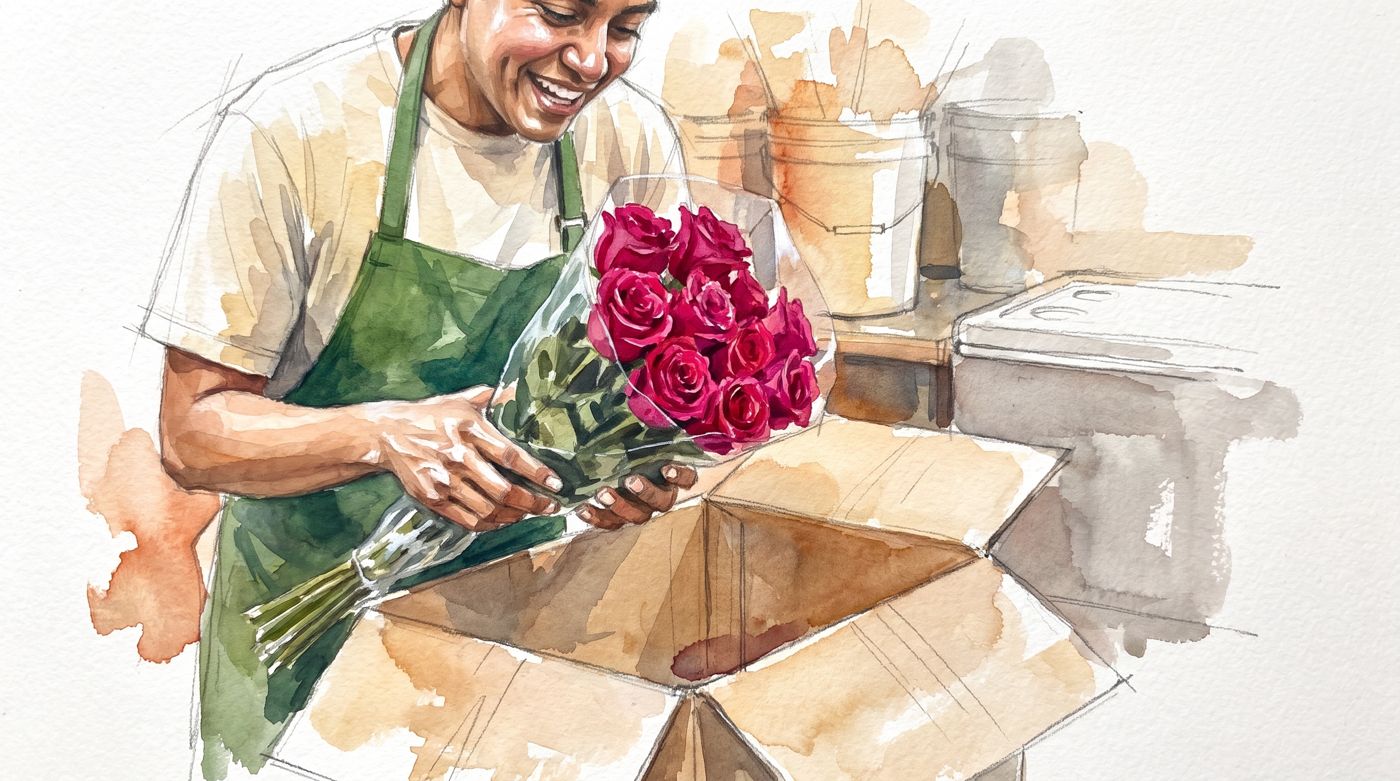
Watercolor: hands lifting a bunch of roses out of the box

The box, in the back room

Watercolor: the farm at dawn

The farm, at dawn

Four test shots · no script, no voice, no music yet

Four scenes already rendered, so you can see it instead of imagining it.

1 · The farm at dawn · photo only · 8 s

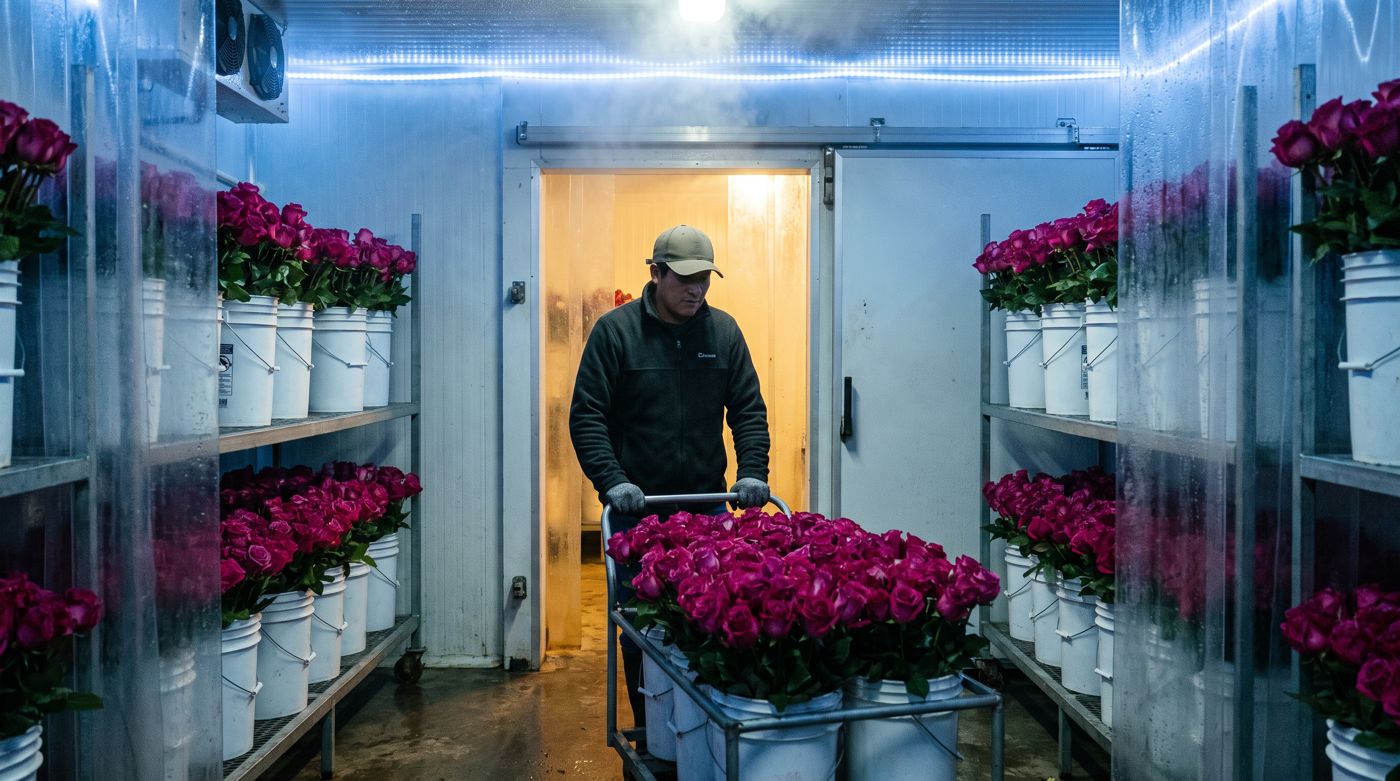
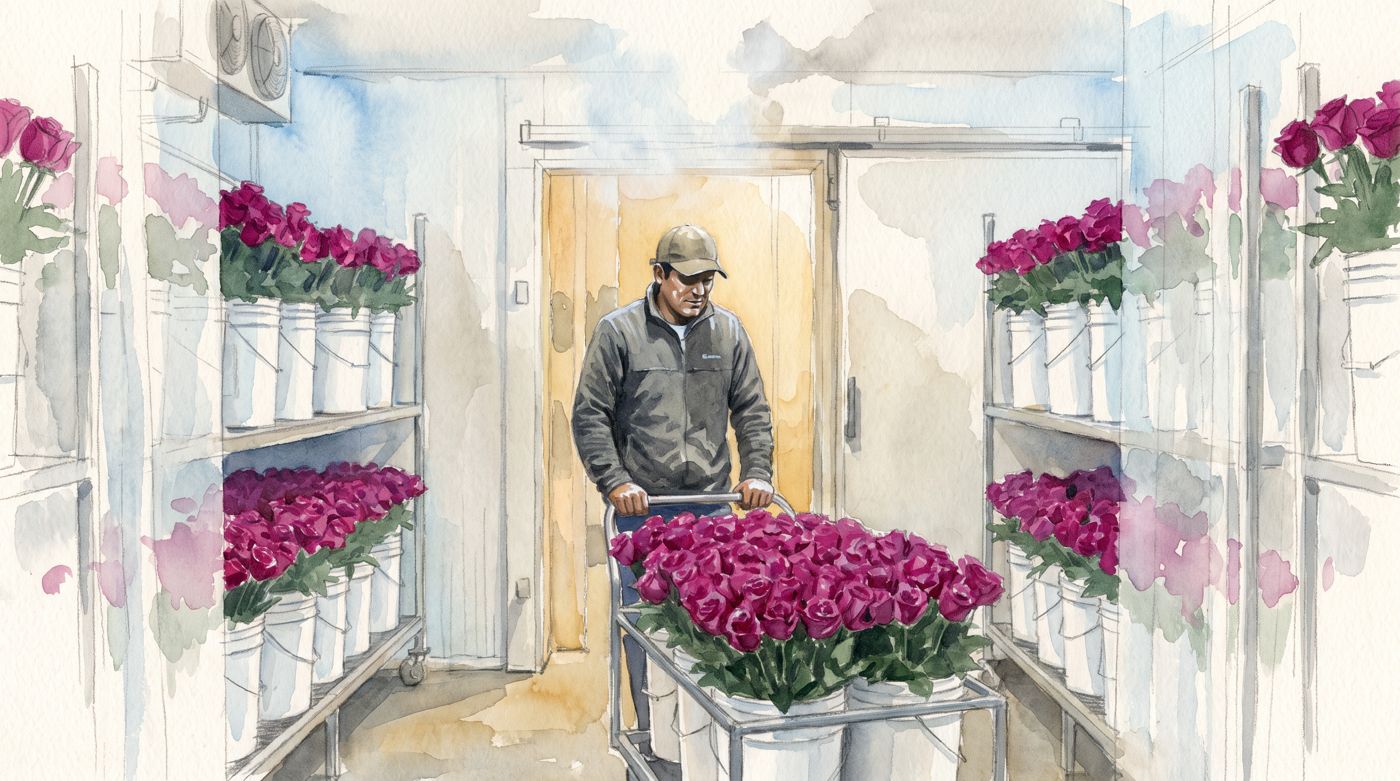
2 · The cold room: the flower falls asleep · photo turns into watercolor · 8 s

3 · The trip, on the sketchbook page · watercolor only · 8 s

4 · The cut: real hands become a diagram · photo turns into watercolor · 8 s

4b · The cut, second take: the camera goes into the stem · 10 s

Annotated watercolor: the cut and the bucket with pencil labels

Every technical moment gets pencil labels: fresh cut, xylem tubes, water rising

Comments on the direction and the test shots

    The storyboard

    The whole video, scene by scene.

    Built on your brief, in your order. About 4:15. English voice-over; the Spanish version comes from the same frames.

    Part 1 · Where the flower comes from · 0:00 to 1:20

    SceneRegisterWhat we seeStatus
    1.1The breeders · photo + watercolorA modern breeding lab. Over the photo, a pencil sketch of two flowers crossing into a third.Frame ready · shot pending
    1.2The Andes · watercolorA sketchbook cross-section from the Pacific to the peaks, altitudes written by hand: roses at 9,200 ft, poms at 6,500.Pending
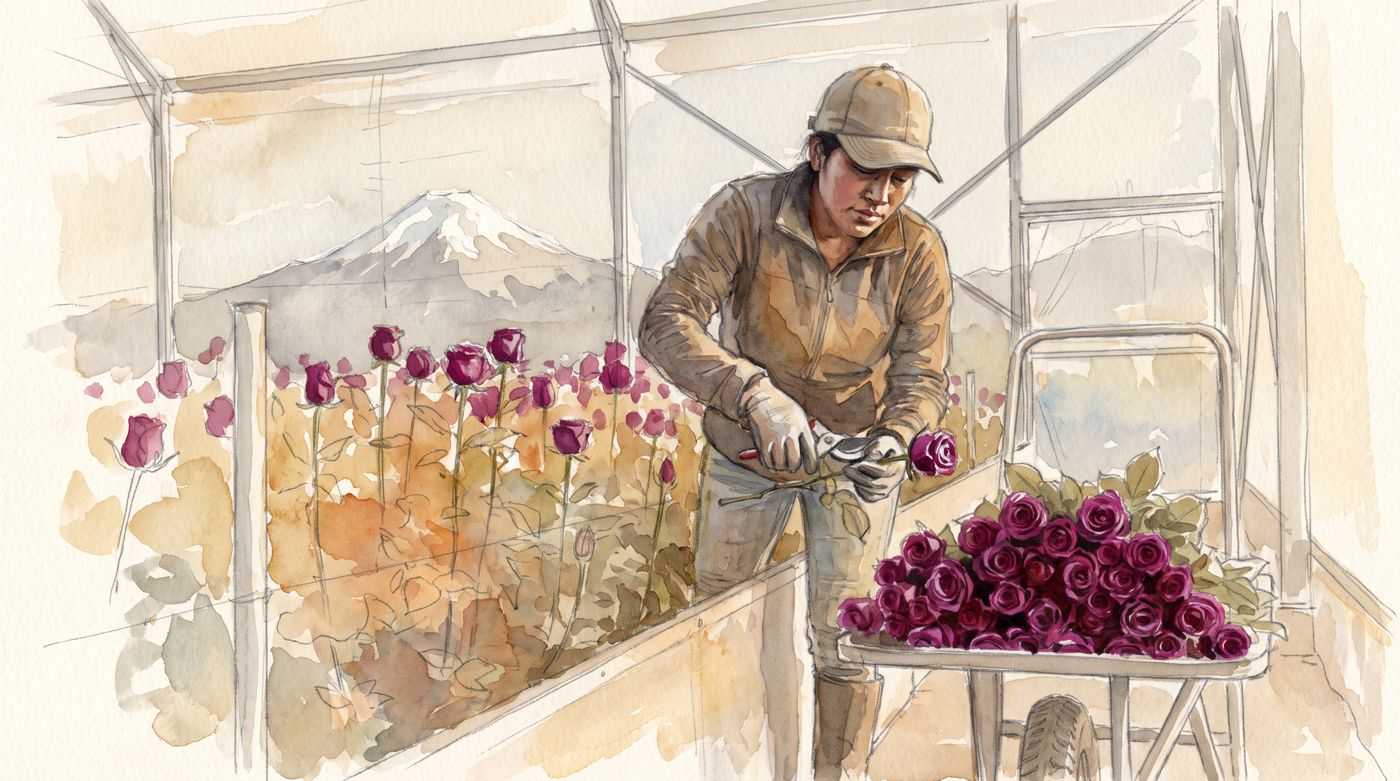
    1.3The farm at dawn · photoRows of roses under plastic, the volcano behind, a worker cutting the first rose.Shot ready (test 1)
    1.4The cold room · photo → watercolorThe cart enters the cooler; as the flower falls asleep, the photo turns into a drawing.Shot ready (test 2)
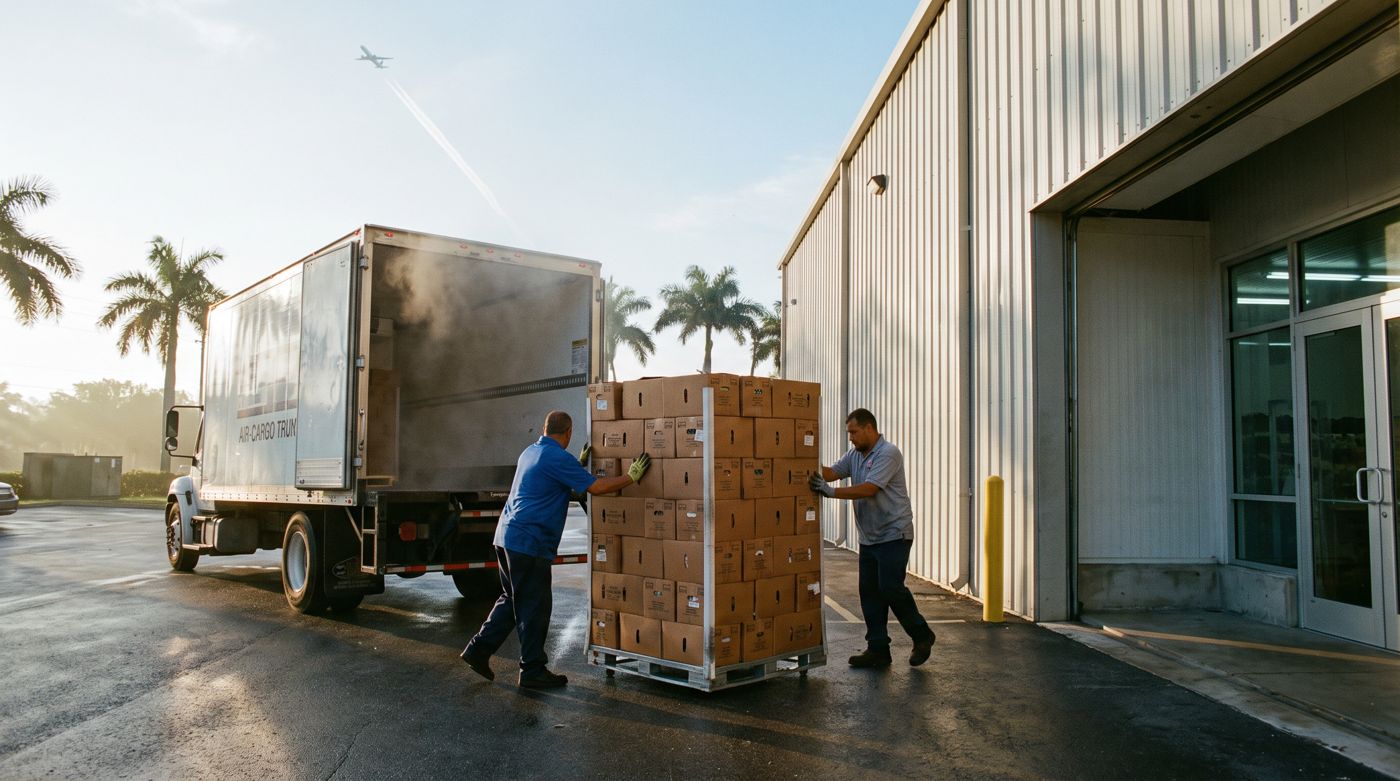
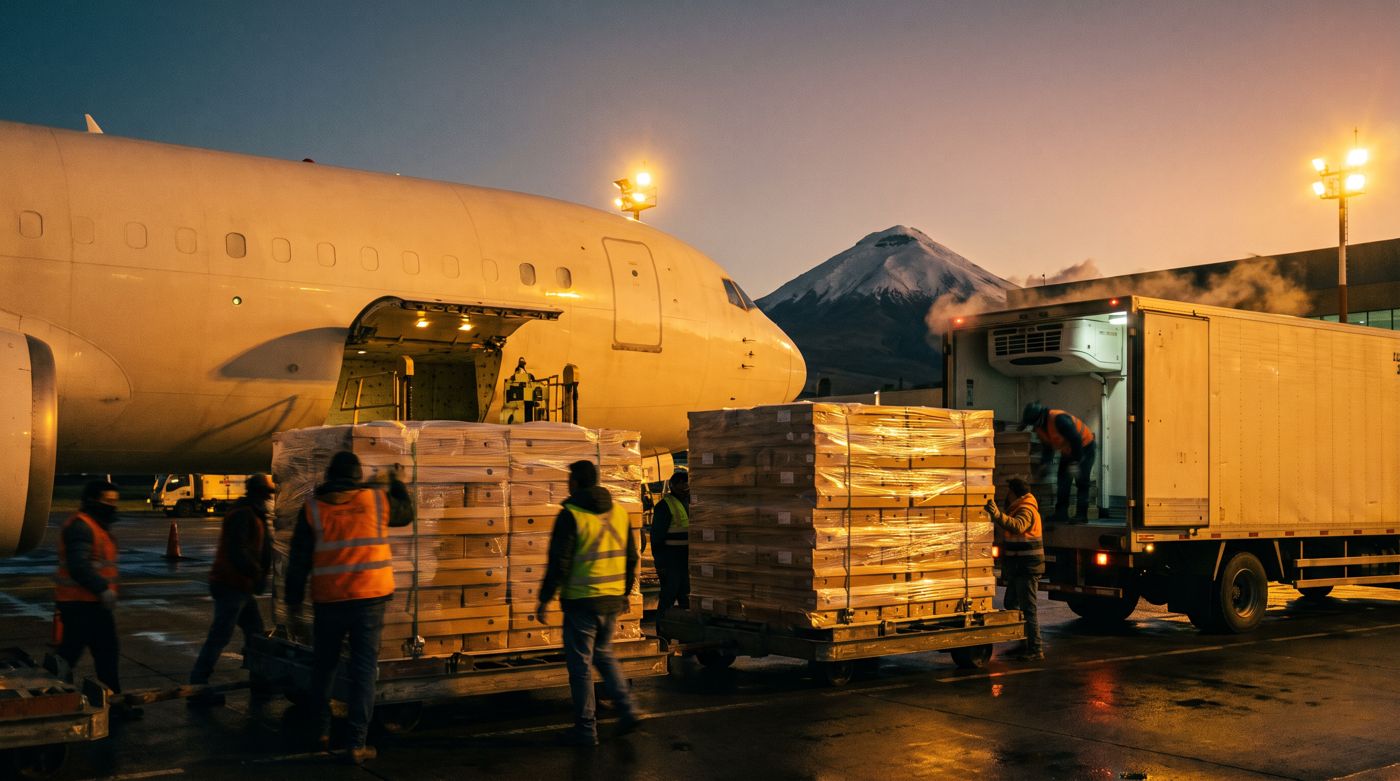
    1.5The trip · watercolor + photoThe page paints itself from the Andes to the coast; then the real cargo plane and the Miami dock.Shot ready (test 3) · arrival pending

    Part 2 · Why it matters · 1:20 to 1:50

    SceneRegisterWhat we seeStatus
    2.1It reaches your store · photoThe box opens in the back room. “What happens next is up to you.”Frame ready · shot pending
    2.2What a flower does · photoFour real moments: a hospital table, a graduation, a doorstep, a dinner.Pending

    Part 3 · Flowers 101 · 1:50 to 3:50

    SceneRegisterWhat we seeStatus
    3.1Clean water: dry pack and wet pack · photoBoth packs side by side; a hand checks the water level in the bucket.Pending
    3.2The cut · photo → watercolorTwo seconds of a real cut; then the hands in watercolor and the xylem drawn beside them, every part labeled.Shot ready (test 4, two takes)
    3.3No-cut products · watercolorThe sachet, the tubes opening like a drain cleaner; “not sure? cut.”Pending
    3.4Flower food · watercolorBucket, sachet, pH strip: 3.5 to 5, antibacterial, sugar.Frame ready · shot pending
    3.5Keep them cool · watercolorThe store cooler and its thermometer; the flower that fell asleep at the farm is still asleep here.Frame ready · shot pending
    3.6Clean buckets · watercolorA bucket scrubbed; the bacteria colony, crossed out.Pending
    3.7Do's and don'ts · watercolorYour nine rules on one sketchbook page: five crosses, four checks.Frame ready · labels pending

    Part 4 · Closing · 3:50 to 4:15

    SceneRegisterWhat we seeStatus
    4.1Ready for someone · photoThe display, and a customer picking a bouquet. María Flowers, once.Frame ready · shot pending
    4.2The last question · watercolorA handwritten card: “What would you like to learn next?” Three options to tap.Pending

    Comments on the storyboard

      Part two · The website

      The site opens in watercolor and turns real.

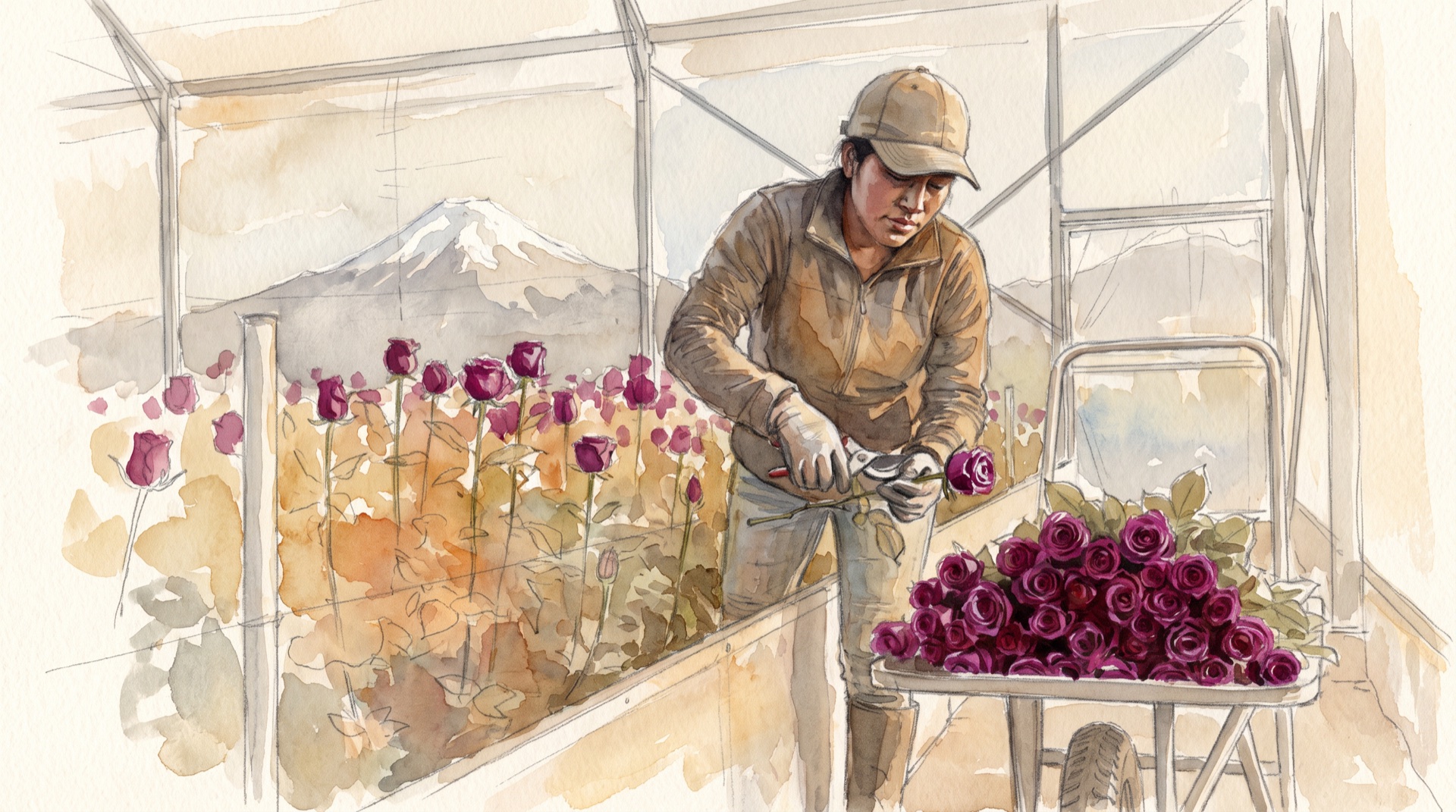
      The same idea as the video, brought to the page. When a buyer opens floresmaria.com, the first thing they see is the harvest at sunrise, painted. In about three seconds, spreading out from the worker, it becomes the photograph. It plays once, when you arrive, and then the page stays still. Press play or drag the slider to see it.

      Watercolor: a worker harvests roses in a greenhouse in the Andes, with the volcano in the background

      Watercolor

      Watercolor to photo

      The homepage opening, built with the two frames of test shot 1: the drawing and the photograph of the same moment. The rest of the site follows the video's rule: photography for the world, watercolor for what needs explaining, and the transition only where it earns its place.

      Photo · every page opens with one

      The farm, the cold room, the arrival in Miami, the shelf. People are always photographed: the sales team, the farm crew, the person who opens the box.

      Watercolor · the explanations

      The journey on the map, the stem cut, the cold, the do's and don'ts. The cream paper of the watercolor is the site's warm background, instead of a generic grey.

      Transition · three times on the whole site

      The homepage opening, watercolor to photo. The cold room in the journey, photo to watercolor. And the cut, inside the video on the Flower Care 101 page. Nowhere else.

      What follows is the structure and the visual language. The site's identity, which typeface, which color, how each flower in the catalog is photographed, comes after your OK on the map, and gets shown on this same page.

      The site map

      Seven pages, and none of them filler.

      Today's site is a single page with six blocks and twelve roses. The new one has seven pages: the homepage tells the whole story in one scroll, and the other six go deeper into what a buyer wants to verify before switching suppliers. Who you are, how the flower gets there, what you sell, how you care, how you train the store, and how to reach you.

      floresmaria.com

      Home

      The whole story in one scroll. Eight sections, below.

      1. /story

        Our Story

        The Villamizar family since 1994, mission and vision, what María Flowers stands for, and the team by name and face. Replaces “About Us” and “Our Team”.

        Photo
      2. /journey

        From the Andes to Your Shelf

        The complete process: boutique farms, microclimates by altitude, harvest, cold chain, flight, quality control in Miami, truck, shelf. And what you do differently at each step. Replaces the six blocks of “Our Services”.

        Photo and watercolor
      3. /flowers

        Our Flowers

        The full assortment by category, plus bouquets and recipes. No prices and no cart: it is a catalog. With the optional panel, your team adds, hides or updates a variety without going through us.

        Photo
      4. /we-care

        We Care

        The CO2 offset program with LATAM, the carbon-neutral goal for 2030, Rainforest Trust, Ecominga, Orchid Conservation Alliance, and the social practices at the farms. Merges “News” and “We Care”.

        Photo and watercolor
      5. /care

        Flower Care 101

        Where the QR on the box lands: the video, the three rules to print out and the survey at the end. It is new. It serves the store, and shows the buyer that the flower arrives with instructions.

        Video
      6. /contact

        Contact

        A form that lands in your inbox, plus the Miami address, the phone and the sales email. Connecting it to a CRM is optional: see the investment.

        Photo
      7. /university · a next phase

        Flower University

        Reserved for the content Dani talked about. Not built now; the slot is planned so nothing has to be reshuffled later.

        Later

      From today to tomorrow

      Today on floresmaria.comTomorrowWhat changes
      Home, one page with six blocksHomeThe story in one scroll, with the watercolor opening and the three promises to the buyer.
      About Us and Our TeamOur StoryOne page: the family since 1994, mission and vision, the team.
      Our Services, six blocksFrom the Andes to Your ShelfThe services become steps of the journey, with the practice behind each promise.
      Our Flowers, twelve rose entriesOur FlowersEvery category you sell, plus bouquets and recipes. With catalog photos.
      News and We CareWe CareEnvironmental and social in one place, with the programs and the partners.
      Does not existFlower Care 101The QR page. Video, rules, survey.
      ContactContactThe form arrives in your inbox, from a phone or a desk.

      Inventory of the current site, measured on September 9, 2026: one page with six anchors (About Us, News, Our Services, Our Flowers, Our Team, Contact) and twelve rose entries (Bicolor, Bicolor Lilac, Bicolor Red, Bicolor White Pink, Fiesta, Glitter, Lilac, Mondial, two Rose, White and Yellow Roses). WordPress 5.1 on a 2013 theme. It did its job; today you sell everything on a shelf and the site shows roses.
      The homepage

      Eight sections, and one story.

      It is the page a buyer opens once they have decided to look. It opens in watercolor, turns real, makes the journey from the pot to the shelf, and only then shows what you sell and who you are. Each section has its register and its motion. The English lines are samples: the copy gets written with you.

      01

      The opening Watercolor to photo

      The opening: the farm in watercolor turning into a photograph

      What it says

      “From boutique farms in the Andes to your shelf. On time, every week.”

      One line over the photo and one button: see the assortment. Nothing else above the fold.

      Motion

      The watercolor turns into the photograph once, on load, spreading out from the worker. It is what you saw above. Then it stays still.

      02

      The journey, from the pot to the shelf Photo, with one transition

      The farm at sunrise

      The farm

      The cold room, photo to watercolor

      The cold room

      The flight, in watercolor

      The flight

      The arrival in Miami

      Miami

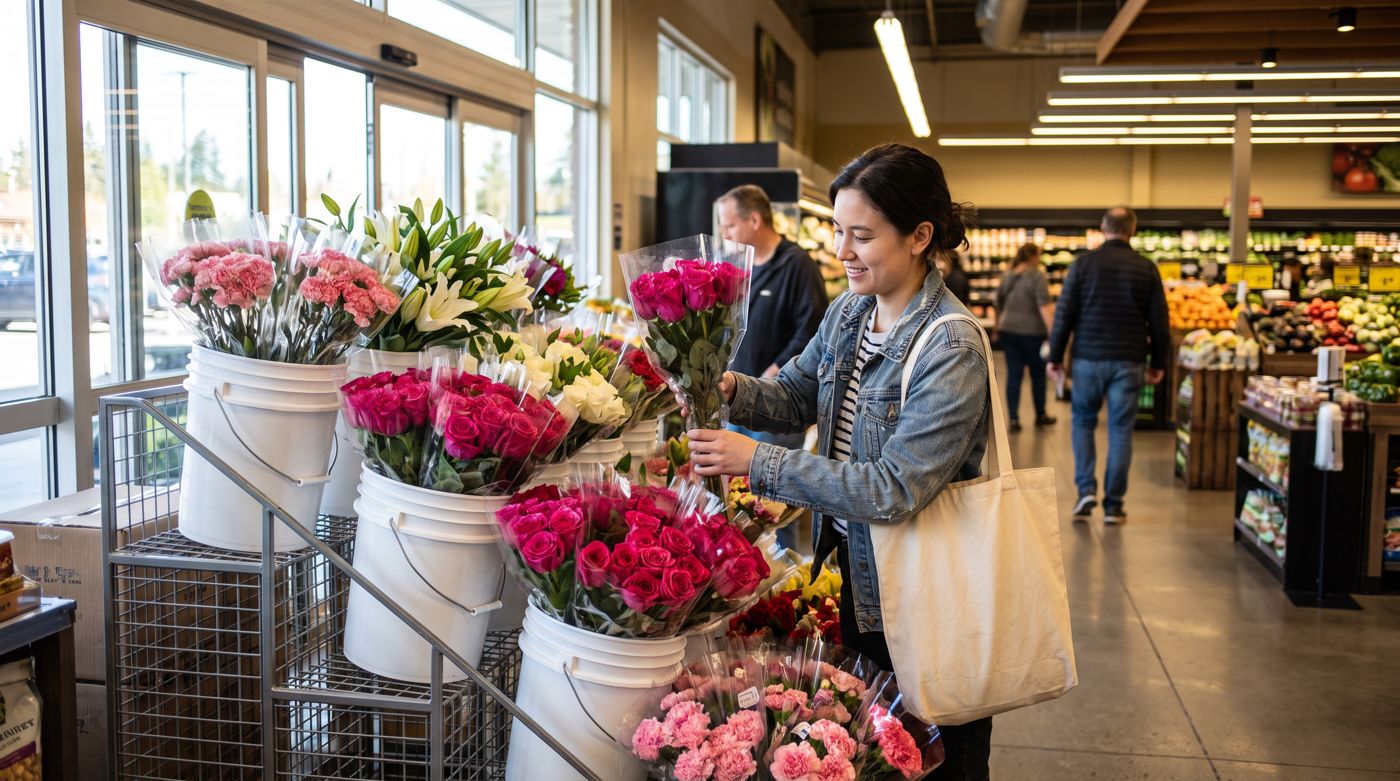
      The flower on the supermarket shelf

      The shelf

      What it says

      Five stops: the farm at 9,200 feet, the cold room, the flight, quality control in Miami, the shelf. At each one, two lines: what happens and what you do so it arrives well.

      Motion

      It advances with the scroll: each stop comes in as the previous one leaves, and the numbers (the altitude, the days in transit, the temperature) count up to their value. In the cold room the photo turns into watercolor, because there is something to explain there: the flower goes to sleep in the cold. It is the second transition, and the last one on the homepage.

      03

      The three promises Photo

      Loading the plane in Quito

      What it says

      What Felipe said matters to a buyer, in three columns: it arrives on time, it arrives with quality, it holds on the shelf. Under each one, the practice that backs it: year-round programs and logistics; the cold chain and the Miami check; the Flowers 101 video in every box.

      Motion

      None. It is read.

      04

      The assortment Photo

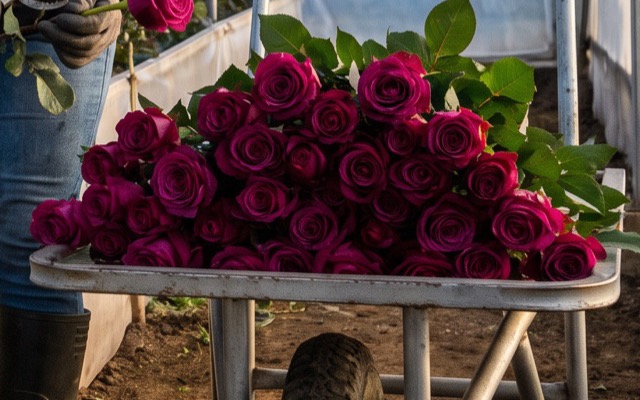
      Freshly cut roses on the harvest cart

      What it says

      Every category a buyer can order, with two or three sample varieties each, plus bouquets and recipes. The button leads to the full catalog. The categories and the photos come from the catalog you send us.

      Motion

      The flower turns on hover: a 360-degree spin generated from each variety's reference photo. It is what Juan David asked for, “have the rose flip”, and it is done once per variety.

      05

      We care Watercolor background

      Watercolor: the Andes and the farm, wide shot

      What it says

      First flower client in LATAM's CO2 offset program, carbon neutral by 2030, Rainforest Trust, Ecominga and Orchid Conservation Alliance. And the social practices at the farms, which are not on the site today and need to be gathered.

      Motion

      None. The program logos in one ink and a watercolor of the Andes as the background. It is the only watercolor section on the homepage.

      06

      Who we are Photo

      Harvest in a modern greenhouse at sunrise

      What it says

      The Villamizar family since 1994, Miami, and the sales and service team by name and face. What María Flowers stands for and how it lines up with its clients' goals. One paragraph and a button to Our Story.

      Motion

      None. The team photos come from what you have or a short session in Miami; they are not generated.

      07

      Flowers 101 Video

      The stem cut, photo to watercolor

      What it says

      To the buyer: “we train your people so the flower lasts on the shelf”. The embedded video and the QR that goes on every box. It is the argument no other supplier shows.

      Motion

      The video itself, with the cut transition. It plays when the buyer asks, not on its own.

      08

      Let's talk Form

      What it says

      Four fields and a button. The message arrives in your inbox, and Juan David answers. Below, the Miami address, the phone and the sales email.

      Motion

      None. What matters here is that the form works from a phone and the message arrives within the minute.

      Where there is motion

      • The opening. Watercolor to photo, once.
      • The journey. The stops come in with the scroll and the numbers count up.
      • The cold room. Photo to watercolor, the second transition.
      • The assortment. The flower turns on hover.
      • The video. When the buyer presses play.

      Where there is none

      • The text. Nothing that is read moves.
      • The promises, the team, the form. Still: that is where the buyer decides.
      • On the phone. The opening looks the same; the flower spin becomes a tap.
      • If the system asks for less motion. We respect it: the page shows the photo directly.

      Behind the site

      Simple on purpose: a form that lands in your inbox.

      There is no platform behind the site: it is plain HTML on Cloudflare, with nothing to update and no plugin to break. When someone writes through Contact or asks for the catalog, the message arrives in your email, and you answer. No CRM, and no monthly fee. If one day you want every contact kept and answered automatically, that is the CRM option in the investment.

      Hosting

      We recommend leaving WordPress. A site like this is hosted on Cloudflare for free, so today's hosting bill goes away. The domain stays yours.

      What we measure

      Cookie-free analytics: pages viewed, country and city, device, where the visit came from. No consent banner. Views of the video come from the platform that hosts it.

      The catalog

      Our Flowers is loaded from the material you send us. If you want to add a product, hide one or change its photos yourselves, that is the catalog panel option in the investment.

      Investment

      All the numbers, on one page.

      Two prices for the whole project, not by the hour. What backs them is the scope on this page: sixteen scenes in two languages, and seven pages with their opening. No monthly fee from CadenSpark; the only recurring costs are third-party services, and they are yours at cost.

      “Flowers 101” video

      USD 4,500

      Sixteen scenes, in English and Spanish, delivered ready for the QR on the box.

      Included

      • The final script, in English and Spanish, built on your brief.
      • Photo and watercolor frames for all sixteen scenes, approved as stills before animation.
      • The shots and the transitions, with pencil labels in both languages.
      • Voice-over, music and mix, delivered ready for the QR on the box.

      Separate

      • The QR codes on the boxes. To know how many people scan, from which chain and when, the codes have to be paid dynamic QRs. That plan is yours, at cost: we add no margin.
      • Where the video lives, YouTube or Vimeo, at cost. Below.
      • Photos of your flowers, farms and packaging, which María Flowers provides.

      The website

      USD 4,000

      The seven pages with the watercolor opening, in English, and the contact form to your inbox. Without the CRM and the catalog panel: those are the options below.

      Included

      • The seven pages of the map, and the slot planned for a next phase.
      • The site's identity: typography, color and the treatment of the photos.
      • The images for the hero and the journey, generated with the same system as the video, plus the photos you have.
      • The catalog, loaded with every category, variety and recipe you send us, with its photos. When it changes, you send it and we update it.
      • The Flower Care 101 page, where the QR lands, with the video, the rules and the survey.
      • Phone testing, launch on your domain and one month of adjustments after going live.

      Not included

      • Studio photography of each variety. Images are generated from your references, or we use yours.
      • Online store or password-protected portal. Nobody buys through the site, and that stays that way.
      • Paid media, social channels and the printed newspaper.

      Total

      USD 8,500

      Timeline: within the 60 to 90 days you asked for, counted from the day the material arrives.

      Payment: 50% when the project starts, and the other 50% when it is finished.

      Monthly: nothing from CadenSpark. Hosting is free, and the QR codes and the video platform are yours at cost, without margin.

      Optional · the CRM

      USD 1,500

      once, and then USD 25 a month for the account.

      If you want the contacts kept instead of read in an inbox: every scan of the QR and every message saved with its origin, the chain and the product; a reply that goes out on its own with the catalog and the video; an alert to Juan David; a summary every Monday. It also leaves you ready for the next phase, below.

      The monthly is in the range of a standard hosting plan, and the hosting itself goes to zero. It is worth it when there is real use; for now the site works without it.

      Optional · the catalog panel

      USD 1,500

      once, and no monthly cost.

      A CMS for Our Flowers, made for a catalog that changes as much as yours. Your team adds a variety or a recipe, uploads its photos, and switches it on or off in the catalog, showing or hidden, without going through us.

      Without it, the catalog is loaded once from the material you send, and every change goes through us.

      Yours at cost, no margin

      • Hosting. Cloudflare, free for a site like this. We recommend leaving WordPress: today's hosting bill goes away.
      • The QR codes. A paid dynamic-QR plan, so you can see who scans, where and when. A free static code cannot do that.
      • Where the video lives. YouTube is free and plays fast on any device, but it can show ads around the video. Vimeo has a plan without ads. We will look at both with you and choose.
      • The CRM license, only if you take the option: it is the USD 25 a month, and nothing else.

      Comments on the investment

        If you want a next phase

        What the site could do next, when there is a reason to.

        Not quoted now. It is what the CRM option leaves ready, and what would justify a monthly cost when the time comes.

        A content publisher

        María Flowers writing regularly to the buyers at the chains, in its own voice, to be the reference on flowers before Juan David knocks on the door.

        A flower school

        Flower Care 101 grown into a course: how to handle flowers in the store, with people registering and receiving the lessons.

        What it takes

        A list of the people who scanned or wrote, kept in the CRM. That is when the CRM and its monthly cost make sense, and not before.

        Next step

        Your comments, then the script and the identity.

        Tell us what works and what does not. With your notes and the material we write the full script, design the site's identity, produce what is missing, and come back with the first cut.

        What we need from you

        • The script outline. Is “Video for Stores” the base, or is there a fuller version?
        • The current catalog. The latest recipes and bouquets, even if they keep changing.
        • Photos of every flower and bouquet. Good resolution, a couple of angles.
        • The logo in vector, plus any photos or video of the farms and the Miami operation.
        • The packaging. Where the QR goes, how big, and whether you want us to write the line that invites the scan.
        • From Juan David: the main competitors and the sites you consider best in class.

        Still to decide, together

        • Where the video lives. YouTube or Vimeo.
        • The voice. AI, in English and Spanish; Felipe's own voice if he wants it.
        • The three options of the survey at the end of the video.
        • The two options, the CRM and the catalog panel. Now, later, or not at all.

        The site, step by step

        1. 1Approve the mapThis page: the seven pages and the eight sections.
        2. 2The identityTypography, color, photos. Two weeks.
        3. 3Homepage and journeyWith the opening and the stops. Three weeks.
        4. 4Inner pages, catalog and the QR pageThe six pages. Three weeks.
        5. 5Content and launchLoading, phone testing, publishing. Two weeks.

        Anything else